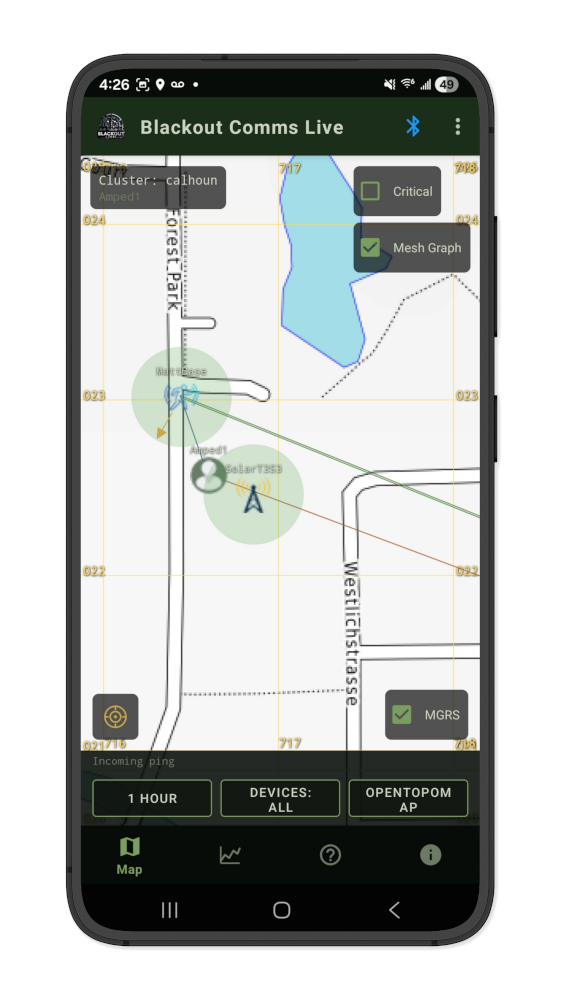
View Shadow Mesh Devices


This update (v3.3.9) adds a Direct/Mesh switch to the "Neighbors" screen.
Because of how Blackout Comms works, all devices in your private mesh cluster learn about and indirectly communicate with other trusted devices, even those far out of direct RF range.
On the neighbors screen, switching from "Direct Range" to "Mesh Range" shows you "shadows" of other trusted devices.
Now you can see information about devices in your cluster, potentially far out of range (or even powered off), right on the neighbors screen.
That "shadow" information (and more) has always been available to your Blackout Comms devices, but this change allows you to see, helping you understand more about how your cluster is working.